
Inbound evidence
Normalize supported message events and preserve conversation context.
Channel / WhatsApp
Direct answer
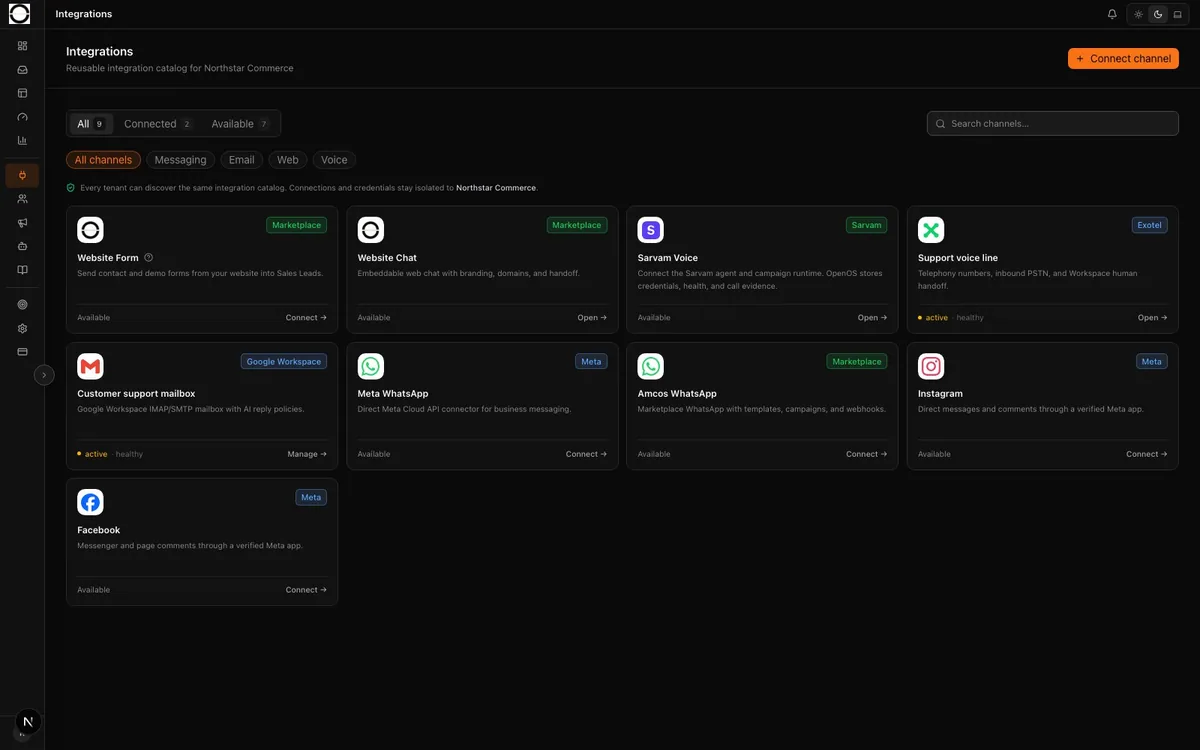
OpenOS normalizes provider events, runs the published support workflow, preserves delivery evidence, and moves exceptions into Workspace without becoming the WhatsApp delivery provider.
 01 Provider connection
 Provider boundary
OpenOS owns workflow intent, evidence, escalation, quality, and decisions. The customer-selected provider continues to own live message delivery and provider-specific retry behavior.
Normalize supported message events and preserve conversation context.
A published workflow decides whether to answer, use an authorized tool, or escalate.
Provider attempts and receipts are recorded where the active adapter supports them.
Mechanism
Validate the configured webhook path and normalize the supported inbound event.
Run the published L0 workflow using approved knowledge and authorized tools.
Project exceptions into Workspace with conversation and customer context.
Move configured eligible closes into Quality and repeated patterns into Trinetra.
Operational control
Availability depends on the selected provider path, credentials, app approval, templates, and production acceptance.
The repository contains the strongest production-accepted WhatsApp support loop, including handoff and quality projection.
Implemented foundations require customer credentials and Meta app activation; capabilities vary by message and template scope.
The WhatsApp business account, provider contract, templates, and required approvals remain customer-controlled.
OpenOS retains normalized conversation and operational evidence within the tenant boundary.
Channel scenario
The configured BSP receives and delivers the customer message.
The workflow understands the intent and attempts the permitted status path.
When the result is inconsistent, Workspace receives the complete handoff state.
The configured eligible close can enter the versioned audit workflow.
Measures
Supported provider events accepted and projected into the tenant support state.
Outbound attempts and provider receipts recorded by the active adapter.
Escalations carrying the required transcript, reason, and customer context.
Direct answers
No. The provider remains responsible for channel delivery. OpenOS adds the governed support and evidence loop around it.
Implemented provider paths can send governed replies when the customer credentials, templates, provider permissions, and activation requirements are satisfied.
Tailored walkthrough
A tailored walkthrough for Support/CX, operations, and technology leaders—using your channels, responsibilities, and success measures.
Prefer email? sales@openost.com